Photo by easycloudify
What Is OpenClaw? The Open-Source AI Agent Taking 2026 by Storm
6 min read
Table of Contents
- OpenClaw at a Glance
- How OpenClaw Works
- Getting Started with OpenClaw
- What You Can Do with OpenClaw
- Frequently Asked Questions
OpenClaw at a Glance
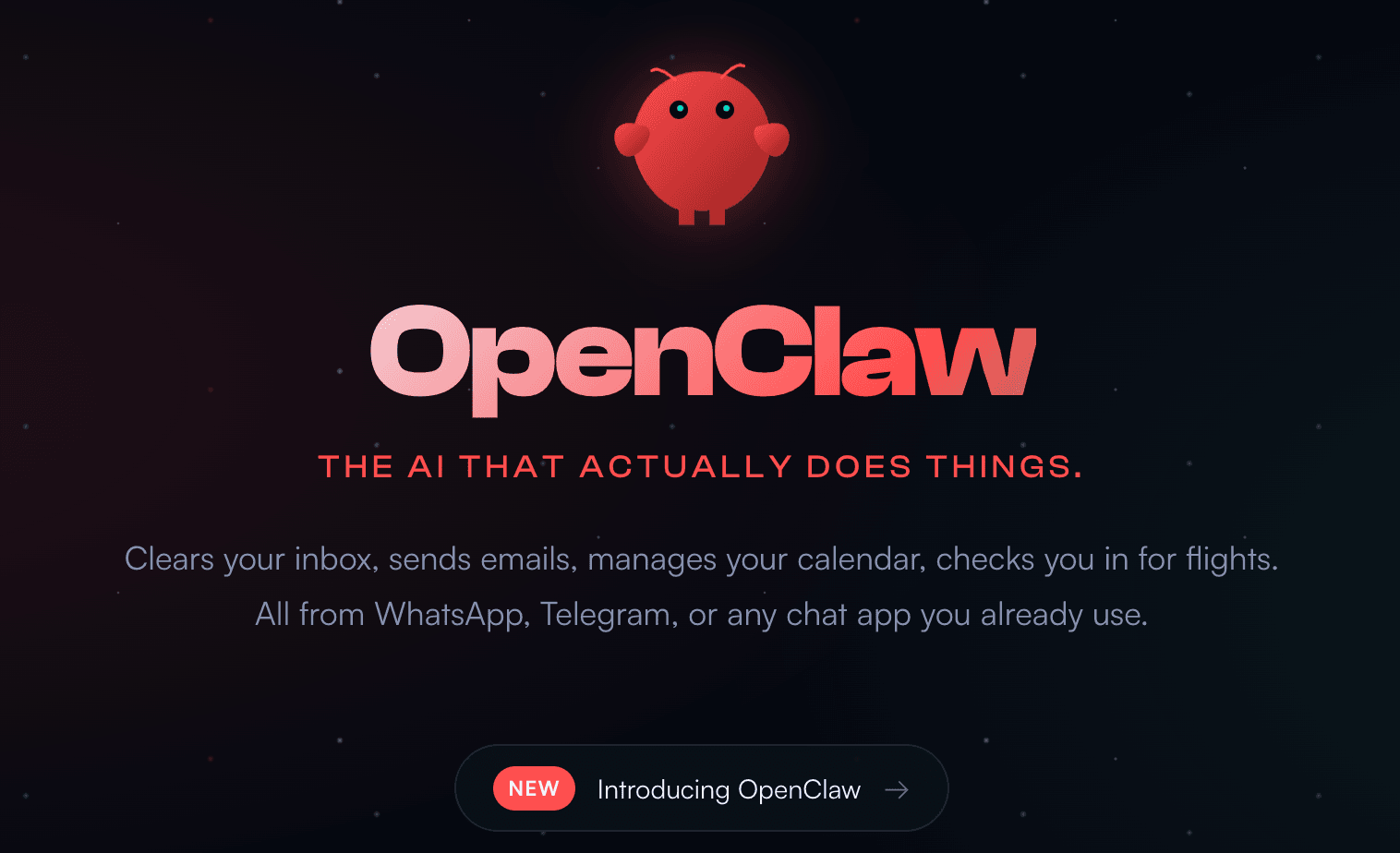
The AI tooling space is loud. New copilots, agents, and dev assistants arrive every week—most of them incremental improvements wrapped in fresh branding. OpenClaw (formerly known as Moltbot and Clawdbot) is the rare exception that genuinely shifts the conversation.
Built not by a frontier lab but by an independent developer—PSPDFKit founder Peter Steinberger—OpenClaw is a fully open-source, locally hosted AI agent. It doesn't just respond to prompts; it takes persistent, autonomous action on your machine, remembers your preferences across sessions, and bridges your AI model of choice with the apps and files you already use every day.
The developer community noticed fast: the project cleared 60,000 GitHub stars within 72 hours of launch. The comparisons to JARVIS were inevitable.
The short version:
- OpenClaw is a self-hosted AI agent runtime that links powerful AI models to your local files, shell environment, and messaging apps like WhatsApp, Discord, and Slack.
- It ships with over 100 preconfigured AgentSkills for tasks like browser automation, file system management, and script execution.
- It's model-agnostic—point it at any cloud model with your own API key, or run a local model entirely on your own infrastructure.
- EasyCloudify offers a 1-Click OpenClaw Deploy on a security-hardened, production-ready cloud image, so you can skip the local setup entirely.
Key Features
Local gateway architecture. OpenClaw runs a persistent service on your machine (or cloud instance) that gives your chosen AI model controlled access to read and write files, execute scripts, and drive a browser—all within a configurable sandbox.
Long-term memory. Rather than treating every conversation as a blank slate, OpenClaw stores context and user preferences as plain Markdown files on disk. You can inspect and edit these directly, giving you full transparency and control over what the agent remembers.
Broad integration support. OpenClaw connects to 50+ third-party services spanning smart home hardware, productivity suites, communication platforms, and media tools.
Pricing. OpenClaw itself is free and open-source. You pay only for whatever AI model API you connect to it.
How OpenClaw Works
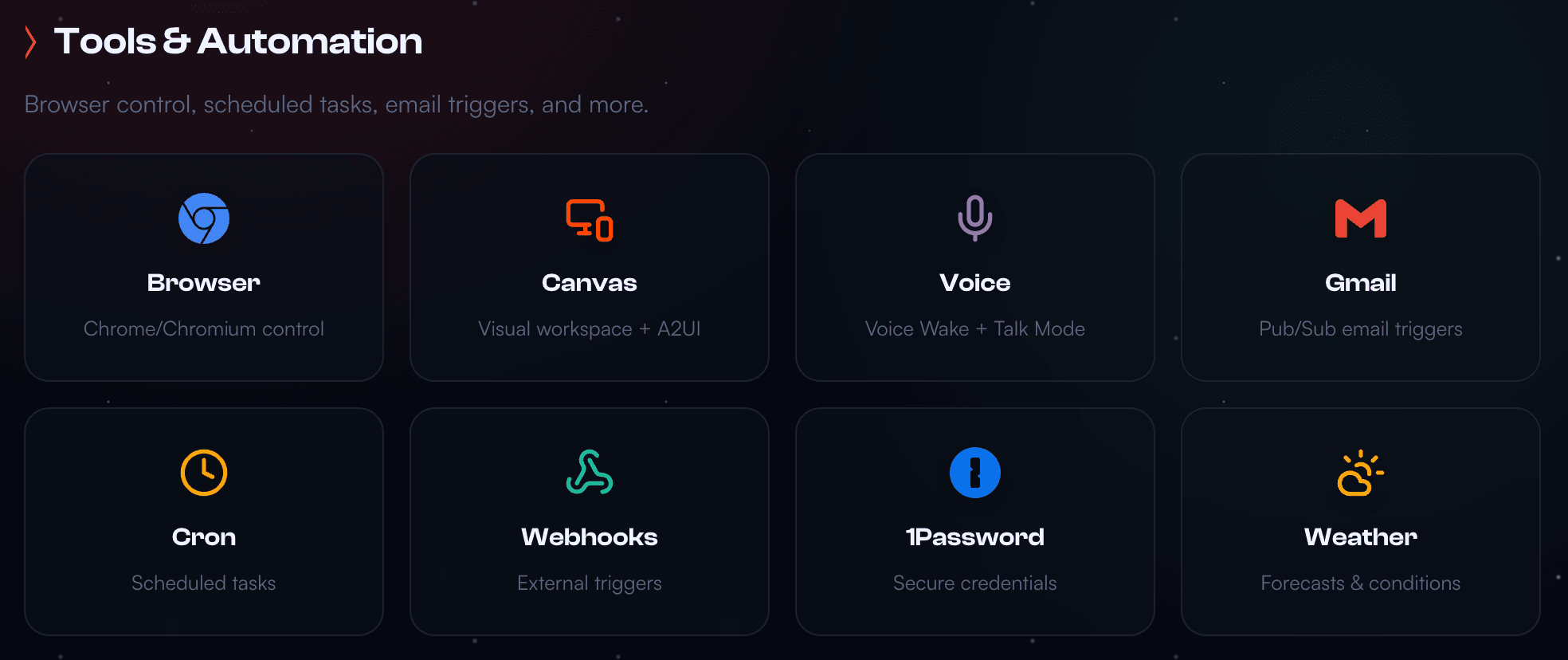
OpenClaw runs as a long-lived Node.js process on Mac, Windows, or Linux. At startup it establishes a local gateway—a secure bridge between your AI model and the rest of your system. From there, you interact with it through whichever chat platform you prefer: Slack, Discord, iMessage, WhatsApp, or Telegram all work out of the box.
You choose the level of system access you're comfortable granting. Running OpenClaw in sandbox mode keeps it contained; full system access lets it read and write arbitrary files, run shell commands, and control your browser to fill out forms or extract data from websites.
Because it holds conversation history locally and continuously updates its memory store, OpenClaw can act proactively—reaching out to you, scheduling tasks, and following through on multi-step automations without you needing to re-explain context every session.
Getting Started with OpenClaw
Option 1: EasyCloudify 1-Click Deploy (Recommended)
The fastest path to a production-ready OpenClaw instance is through EasyCloudify's 1-Click OpenClaw Deploy. You get a security-hardened cloud image, no local hardware investment, and an always-on setup from the start—beginning at $15/month.
This is the recommended route if you want to skip managing local dependencies, firewall rules, and uptime yourself.
Deploy OpenClaw on EasyCloudify
Option 2: Local Installation
If you prefer to self-host on your own machine, the official installer handles all dependencies including Node.js:
bashcurl -fsSL https://openclaw.ai/install.sh | bash
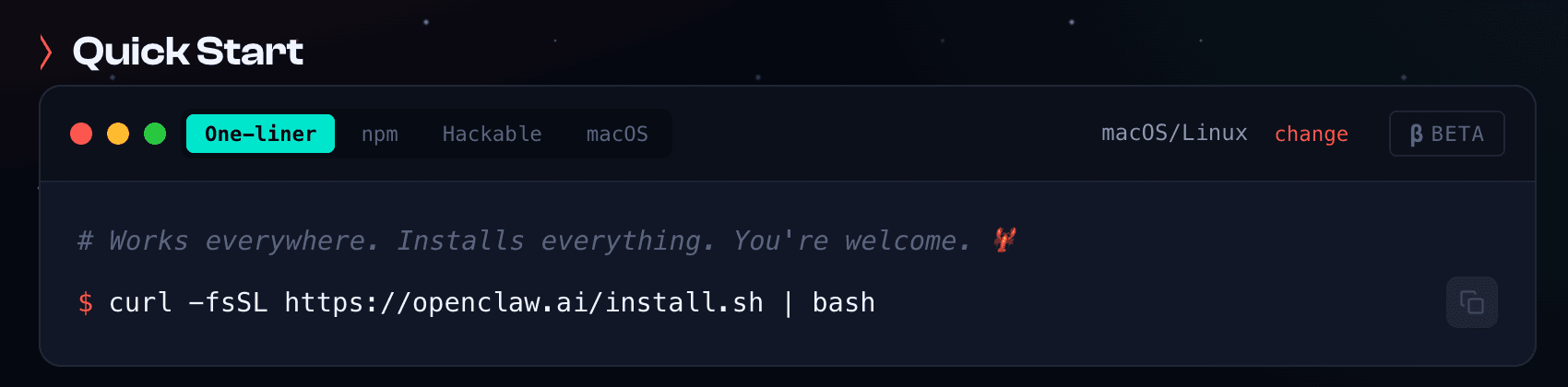
Compatible with macOS, Windows, and Linux. Before proceeding, review the OpenClaw security documentation to understand the risks of granting an AI agent local system access.
What You Can Do with OpenClaw
OpenClaw's capability surface grows constantly thanks to its open-source contributor community. Here's a snapshot of the most popular use cases today:
Developer & Technical Workflows
Connect OpenClaw to GitHub, configure webhook triggers, and schedule cron jobs to keep your projects running autonomously. It can handle debugging tasks, manage deployments, and monitor your codebase while you're focused elsewhere.
Personal Productivity
Manage tasks and notes across Apple Reminders, Notion, Obsidian, Trello, and Things 3—all through a single conversation thread in your chat app of choice.
Web Automation
OpenClaw's built-in browser integration lets it navigate websites on your behalf: filling out forms, scraping structured data, and handling repetitive web-based workflows.
Smart Home & Health
Control Philips Hue lighting, Elgato gear, and Home Assistant setups. Pull data from health wearables and surface it in your daily briefing.
Communication & Social Media
Draft and schedule posts to Twitter/X and Bluesky, or offload email triage to OpenClaw through its Gmail integration—without switching apps.
Media & Creative Projects
Generate images, create audio content, and tap into Replicate for AI-powered media generation. Spotify and Sonos integrations round out the media experience.
Extending OpenClaw with AgentSkills
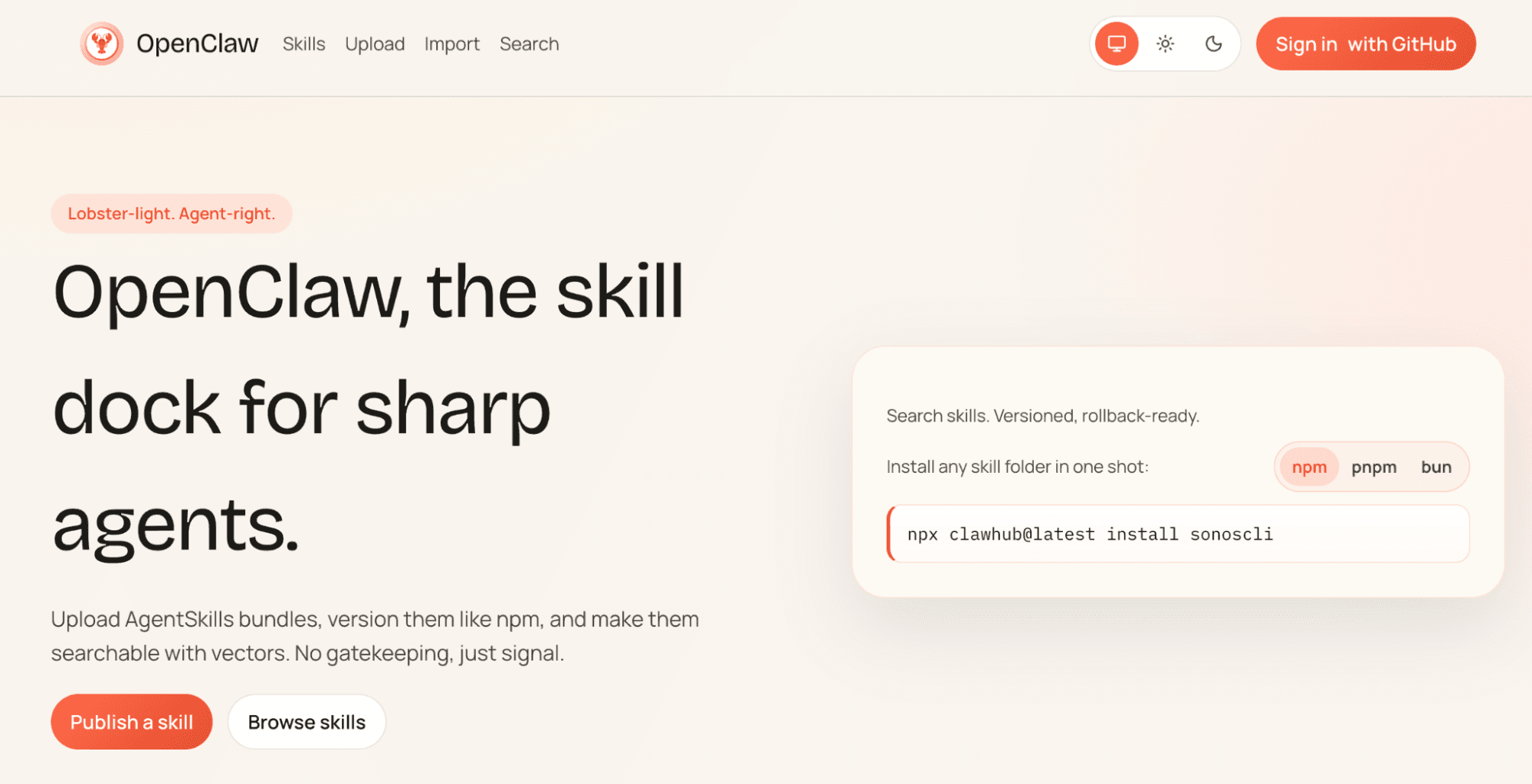
OpenClaw's AgentSkills system is comparable in spirit to Claude Skills—a registry of 100+ installable capability bundles that extend what the agent can do. Browse the registry to find skills relevant to your workflow, install them with a single terminal command, and contribute your own if you build something useful.
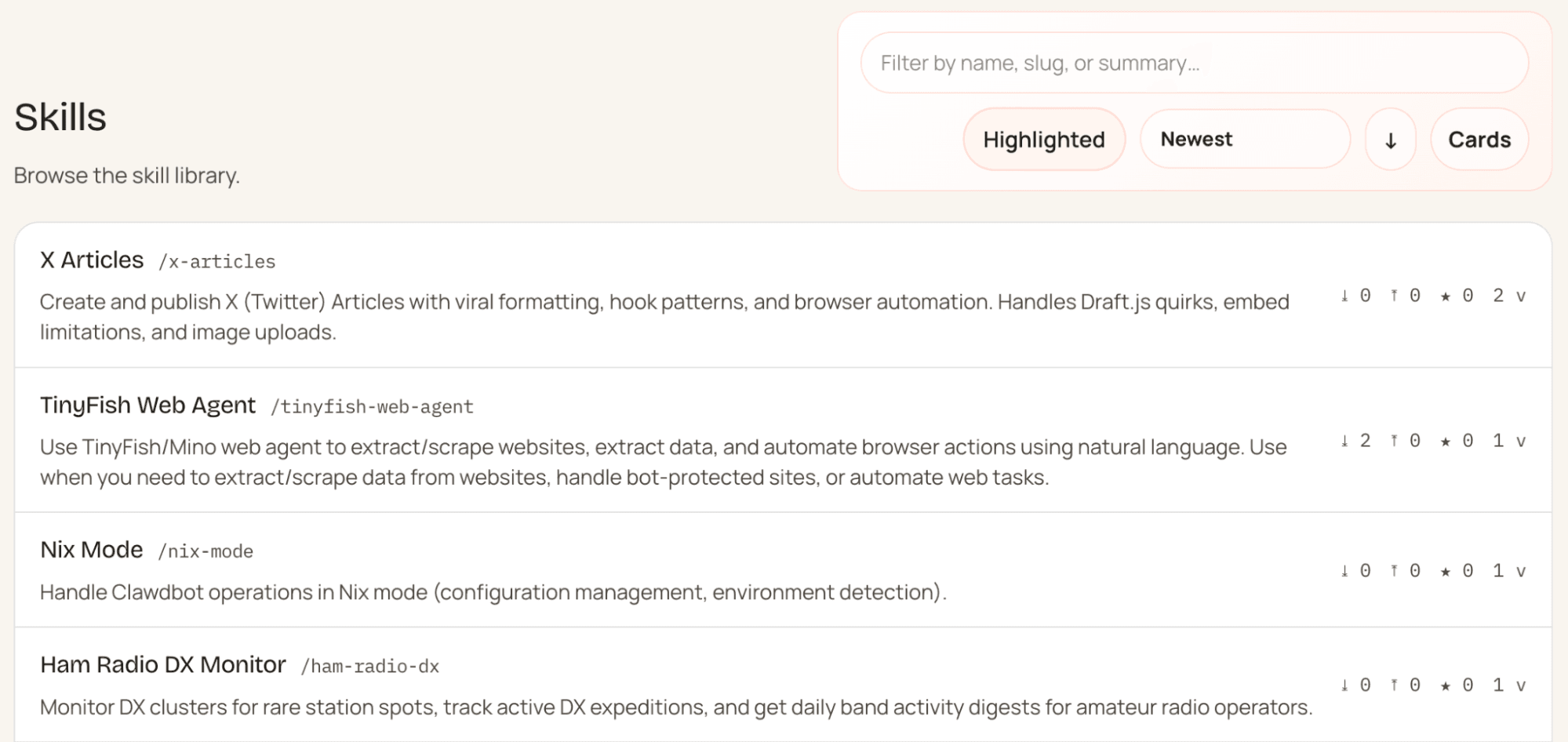
If you can't find a skill that fits your needs, describe what you want to OpenClaw directly—it can write new skills autonomously and add them to its own toolkit.
Frequently Asked Questions
What exactly is OpenClaw?
OpenClaw is a self-hosted agent runtime and message router. It runs as a persistent background service on your machine or a cloud instance, connecting popular chat platforms to an AI model that can execute real-world tasks—reading files, running scripts, controlling browsers, and more.
Why did it go viral so quickly?
The project grew from roughly 9,000 to over 60,000 GitHub stars in a matter of days. Developers were drawn to the combination of a "24/7 assistant" experience—one that proactively reaches out and acts across multiple apps—with complete self-hosting and no subscription required.
What can OpenClaw actually do?
At its core, OpenClaw automates digital workflows: shell commands, browser interactions, local file management, and natural language task routing. It maintains persistent memory of your preferences and instructions, which means it improves at handling your specific needs over time.
What's the easiest way to get OpenClaw running?
For most users, the smoothest path is deploying via EasyCloudify's 1-Click OpenClaw Deploy. It provisions a security-hardened instance with the onboarding wizard pre-configured—connect your LLM provider, link your chat channels, and you're live. If you'd rather run it locally, the official install script covers everything in a single command.
Ready to run your own always-on AI agent? Deploy OpenClaw on EasyCloudify in minutes—no hardware required.
Filed under
AIStay up to date on cloud computing
Get product updates, tutorials, and DevOps insights delivered to your inbox. No spam, unsubscribe at any time.