
Fully Managed Appwrite Hosting
Fully managed Appwrite hosting means EasyCloudify provisions, secures, updates, monitors and backs up your Appwrite stack on the cloud provider and region of your choice — so you can use Appwrite without operating servers. One-click deploy, free SSL, daily backups, automatic patching, and 24/7 human support, from $5/mo.
Free assisted migration · 13 datacenter regions · No per-seat fees
Everything we manage on your Appwrite stack
You focus on using Appwrite. We operate the underlying cloud, the OS, the runtime and the Appwrite application itself.
One-click Appwrite deployment
Spin up a production-ready Appwrite instance in under 60 seconds in any of our 13 datacenter regions across Europe, the Americas and Asia-Pacific — with GDPR-ready regions in Amsterdam, Frankfurt and London.
Automatic updates & patching
We track upstream Appwrite releases, test compatibility, and roll out updates inside a maintenance window you control. Major upgrades include a rollback path.
Daily backups + one-click restore
Block-level, crash-consistent snapshots of your Appwrite data with 7-day retention (configurable down to every 4 hours). Restore to any point in time from the dashboard.
Hardened security baseline
Free SSL on every domain, WAF + DDoS protection, TLS 1.3, AES-256 at rest, hardened OS images, automated CVE patching. GDPR / SOC 2-aligned with EU data residency options.
24/7 proactive monitoring
Health checks, log aggregation, auto-restart on failure, and pager-style alerting on the Appwrite processes — not just the underlying VM.
Real human support, < 15 min
Our engineers know Appwrite. No tier-one chatbots — you get direct access to people who have deployed and tuned Appwrite hundreds of times.
Why teams choose Appwrite
Appwrite is a secure, open-source backend that abstracts the complexity of common, complex, and repetitive tasks required for building a modern app.
Appwrite
Vendor: Appwrite Version: 1.7 OS: Ubuntu 22.04 Category: Developer Tools License: BSD 3-Clause
Description
Appwrite is a secure, open-source backend that abstracts the complexity of common, complex, and repetitive tasks required for building a modern app.
Appwrite provides you with a set of secure APIs, tools, and a management console UI to help you build your apps quickly without compromising security. Use Appwrite to add user authentication and management, data and file storage, run server-side code, image manipulation, localization, and more into your apps.
Appwrite adapts to your unique habits and needs. You can integrate Appwrite directly with your client app or use it alongside your existing backend server, using the language and technologies you are most comfortable with.
Software Included
- Package: Appwrite
- Version: 1.7
- License: BSD 3-Clause (available on GitHub)
Getting Started After Deploying Appwrite
Once the deployment is complete, you can access Appwrite in your browser using the IP address of the server. Below are some recommended setups before accessing Appwrite.
Get a Domain Name (Recommended)
Set up DNS for your server. You will first need to purchase and register your domain through a third party, such as Name.com, GoDaddy, or any other registrar.
Why do you need a domain name?
You can access your Appwrite server using a secured SSL connection with the domain correctly set up. You can, however, still access your server using the IP address. We still recommend having a valid domain.
Set Up SMTP (Recommended)
If you want to use the emailing service of Appwrite, you will need to get SMTP credentials for sending emails. This can be from an email delivery service like SparkPost, Sendgrid, or EasyCloudify App emails, or similar. Using the email delivery guide, you can easily set up your email provider to work with Appwrite.
Why do you need SMTP?
Appwrite uses SMTP to send verification emails to users signing up for your project, send emails for URL-based login, and use email to reset passwords for console admin and project users. Without enabling an SMTP provider, you will not be able to use email verification or magic URL login in your applications.
Connect to Object Storage (Wasabi, Linode, Backblaze, EasyCloudify Object Storage, or other S3-compatible storage) (Optional)
You will need access credentials for your preferred storage system. Look at the storage environment variables to set up one of the supported object storage providers.
Why do I need object storage?
These buckets are used to store files by the Appwrite storage service. Without object storage, you can use your local file system, which can be slow and overloaded quickly.
Creating Your First Project
In your browser, type in the domain name you have set up or the IP address of your server, and you should be presented with a login or signup page. You can get to the signup page by clicking on the Sign Up button.
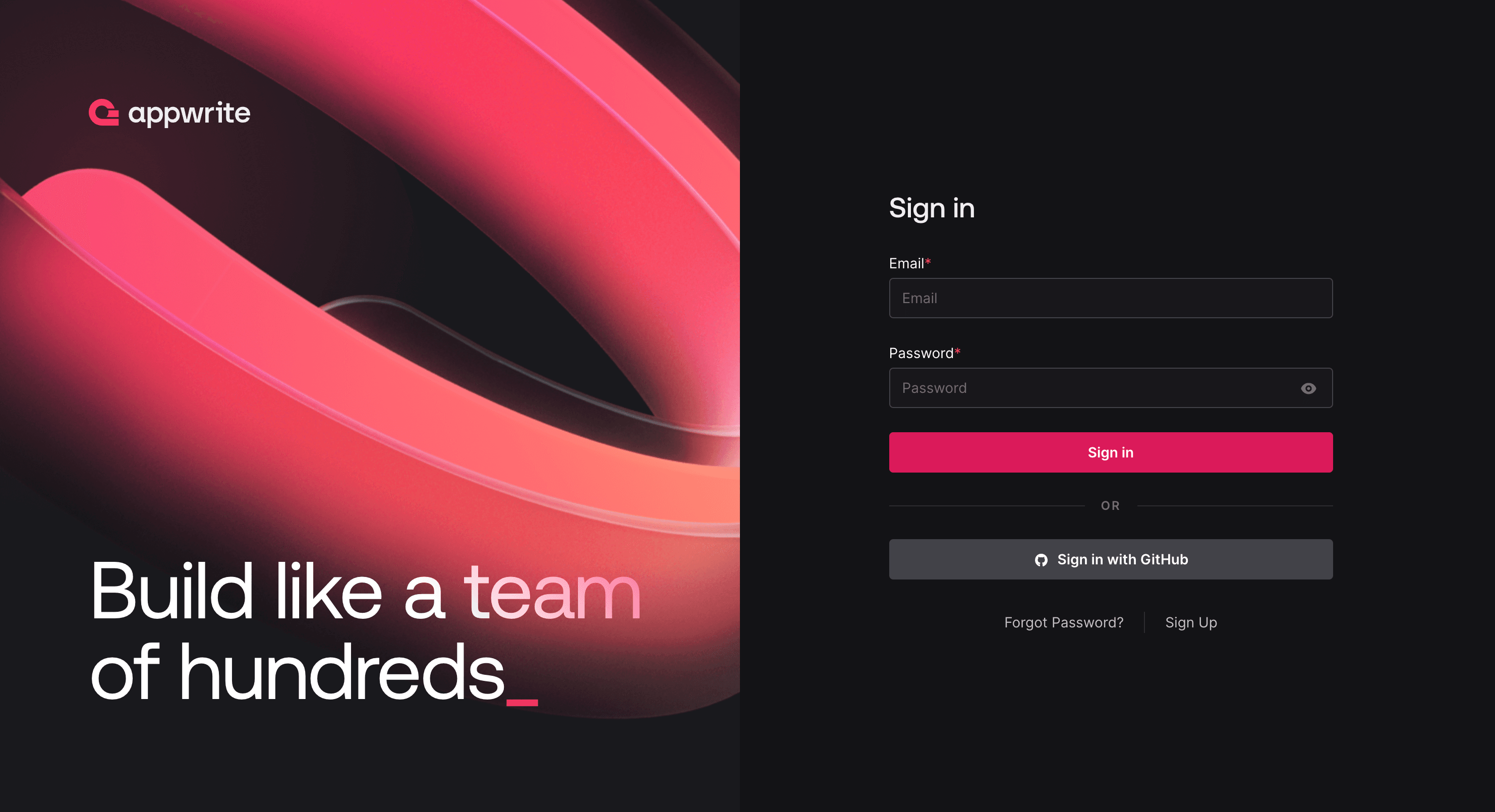
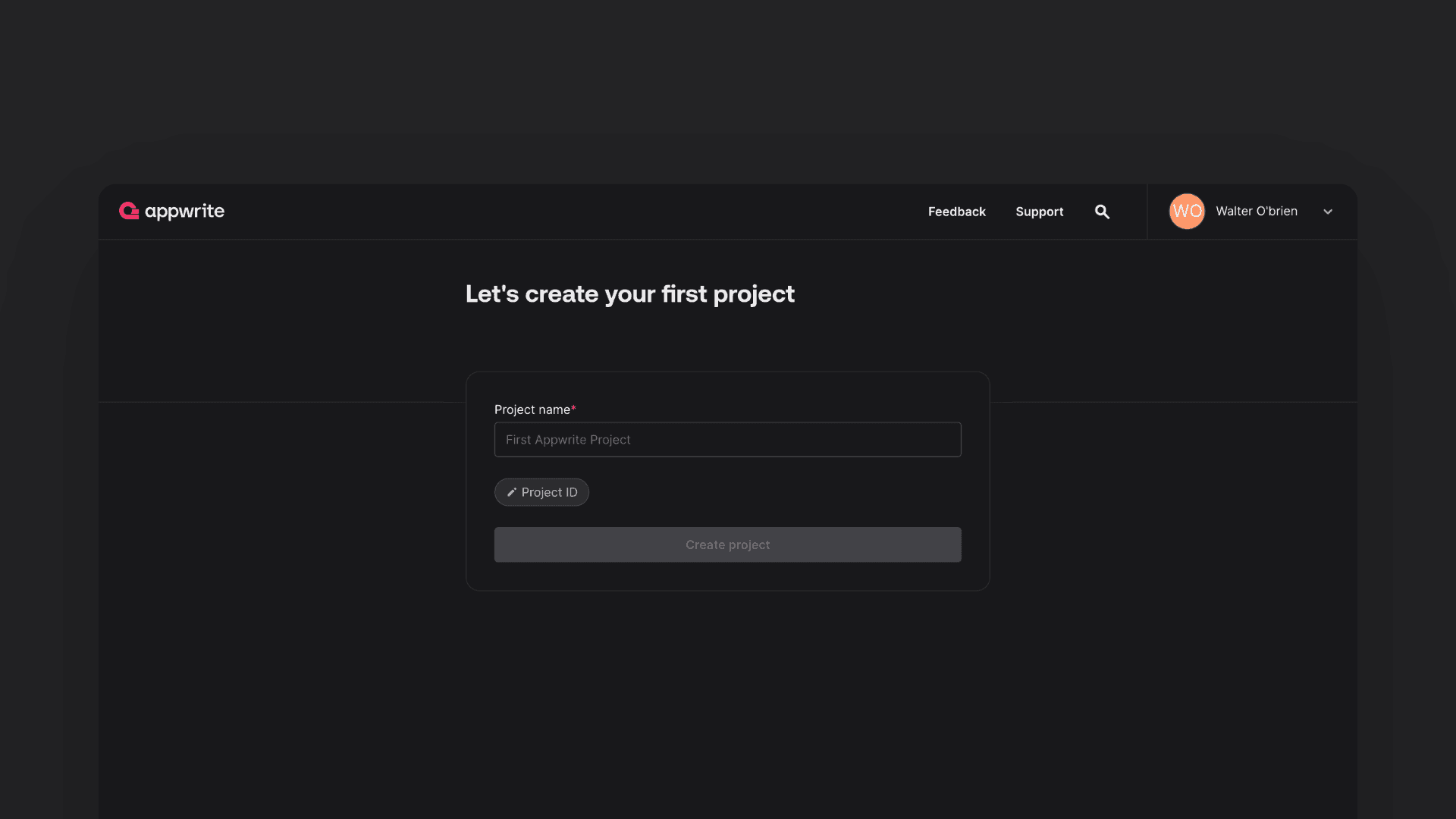
Provide your details and sign up. The account you create will be the root account for managing your Appwrite server. Once you sign up, you will be redirected and presented with a dialog to create your first project. Enter the name and optional custom ID and click the Create Project button.
You will then be redirected to the project overview page, where you can set up your project further to connect with your applications, set up databases, storage, and more.
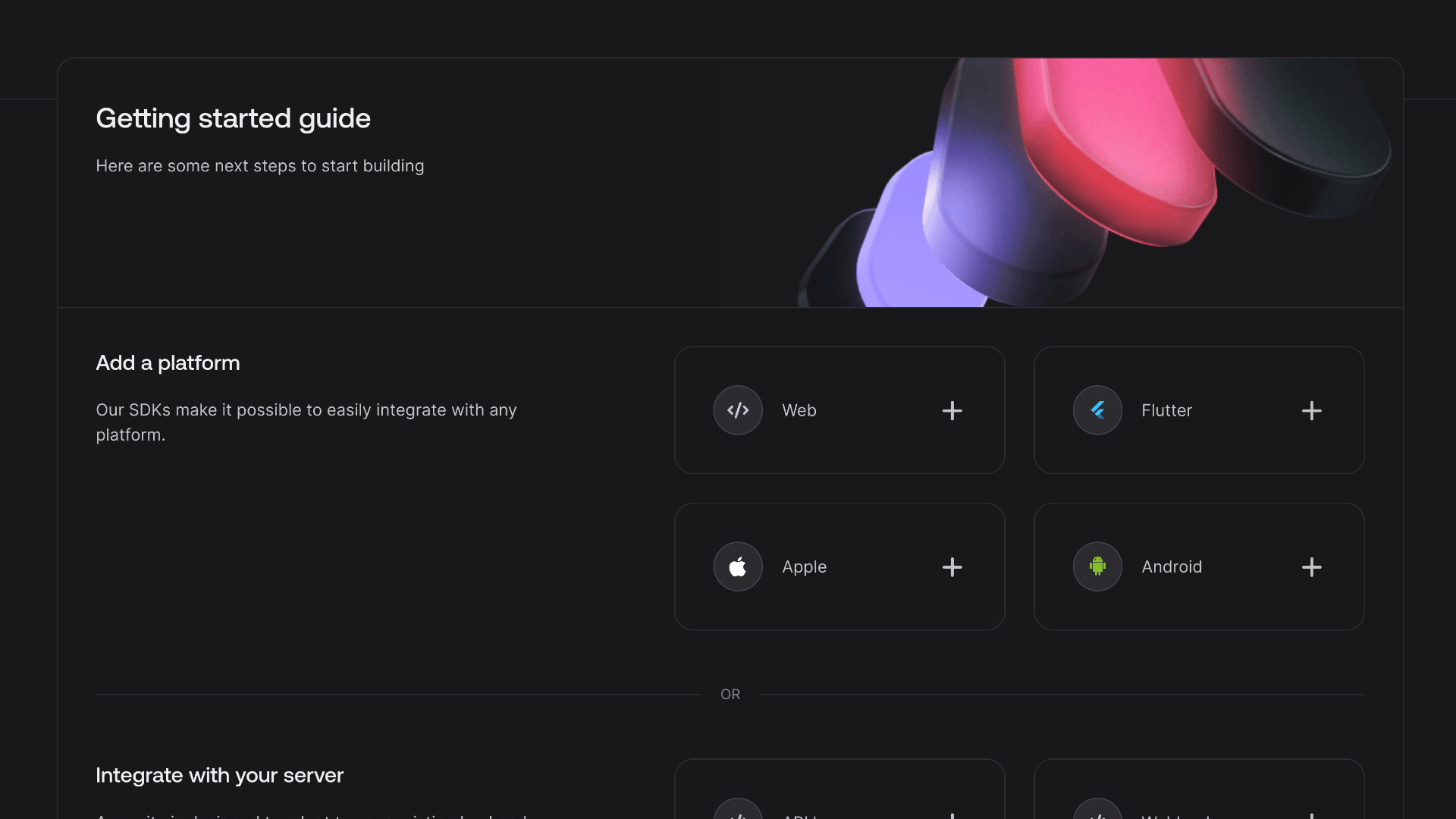
Now that you have created your project, you can follow one of the getting started guides below to build your application with Appwrite:
- Getting started for Web
- Getting started for Flutter
- Getting started for Android
- Getting started for Apple
- Getting started for Server
Optional: Configure Environment Variables
Optionally, you can configure the environment variables manually. To do that, you must SSH into the server you created. You will find your environment file in /root/appwrite/.env. You can open it in a text editor and update any available environment variables of your choice. You can learn about all the available variables in the environment variables guide.
Debugging
If you run into issues on your server, you can follow the debugging guide to troubleshoot.
Getting Help
Support Details
- Supported By: Appwrite
- Hours: SUN - FRI, 10 AM - 5 PM
- Support URL: https://appwrite.io
- Support Email: [email protected]
Additional Links
Why run Appwrite on EasyCloudify instead of self-hosting?
- Self-hosting Appwrite works — until a CVE drops, a disk fills up, or an upgrade breaks the schema. We absorb that risk for you.
- Migrating off Elestio? Same 1-click Appwrite catalog, broader managed services, 24/7 human support and plans from $5/mo.
- No vendor lock-in: your Appwrite data is yours, in your chosen region, exportable at any time.
- Unified billing across compute, databases, storage and email — one invoice, one dashboard.
- Inbound bandwidth is always free, SSL is always free, backups are always included.
Fully managed Appwrite — answered
What does "fully managed Appwrite" actually mean?
Fully managed Appwrite means EasyCloudify operates the entire stack on your behalf: server provisioning, OS hardening, Appwrite installation and configuration, SSL, daily backups, security patches, version upgrades, monitoring, log aggregation and 24/7 incident response. You focus on using Appwrite; we keep it healthy.
How much does managed Appwrite hosting cost?
Plans start at $5/mo for our serverless tier and from $5/mo for a dedicated VPS suitable for Appwrite. Larger workloads scale up to multi-region high-availability setups. There are no per-seat fees, inbound bandwidth is free, and SSL and backups are always included.
Can I migrate my existing Appwrite install to EasyCloudify?
Yes. Free assisted migration is included on every plan. Our team replicates your existing Appwrite data (from Elestio, DigitalOcean, AWS, self-hosted or anywhere else), validates the cutover in staging, schedules a maintenance window with you, and stays on standby for 24 hours after go-live.
Where can I deploy Appwrite?
You can deploy Appwrite in any of our 13 datacenter regions across Europe, the Americas and Asia-Pacific (Amsterdam, Frankfurt, London, New York ×2, San Francisco ×2, Atlanta, Richmond, Toronto, Singapore, Bangalore, Sydney). You choose the region for data residency; we run the stack identically with the same SLAs everywhere.
Do you handle Appwrite version upgrades?
Yes. Minor versions are patched automatically during the maintenance window you configure. Major versions are reviewed by our engineers, tested against your data in staging where applicable, and rolled out with a guaranteed rollback path.
Is EasyCloudify a good Elestio alternative for Appwrite?
Yes — EasyCloudify is a true Managed Services Provider, which means our engineers take proactive ownership of your Appwrite stack (monitoring, scaling, security, maintenance) instead of leaving day-2 ops to you. Plans start at $5/mo (vs $11/mo on Elestio), and you also get a native serverless platform, managed databases, S3-compatible storage and business email under one dashboard. See our full Elestio alternative comparison.
Other fully managed apps
We manage popular open-source apps the same way. Here are a few related to Appwrite.
Deploy fully managed Appwrite in 60 seconds
We handle the cloud. You ship with Appwrite. From $5/mo, with free migration from your current host.